
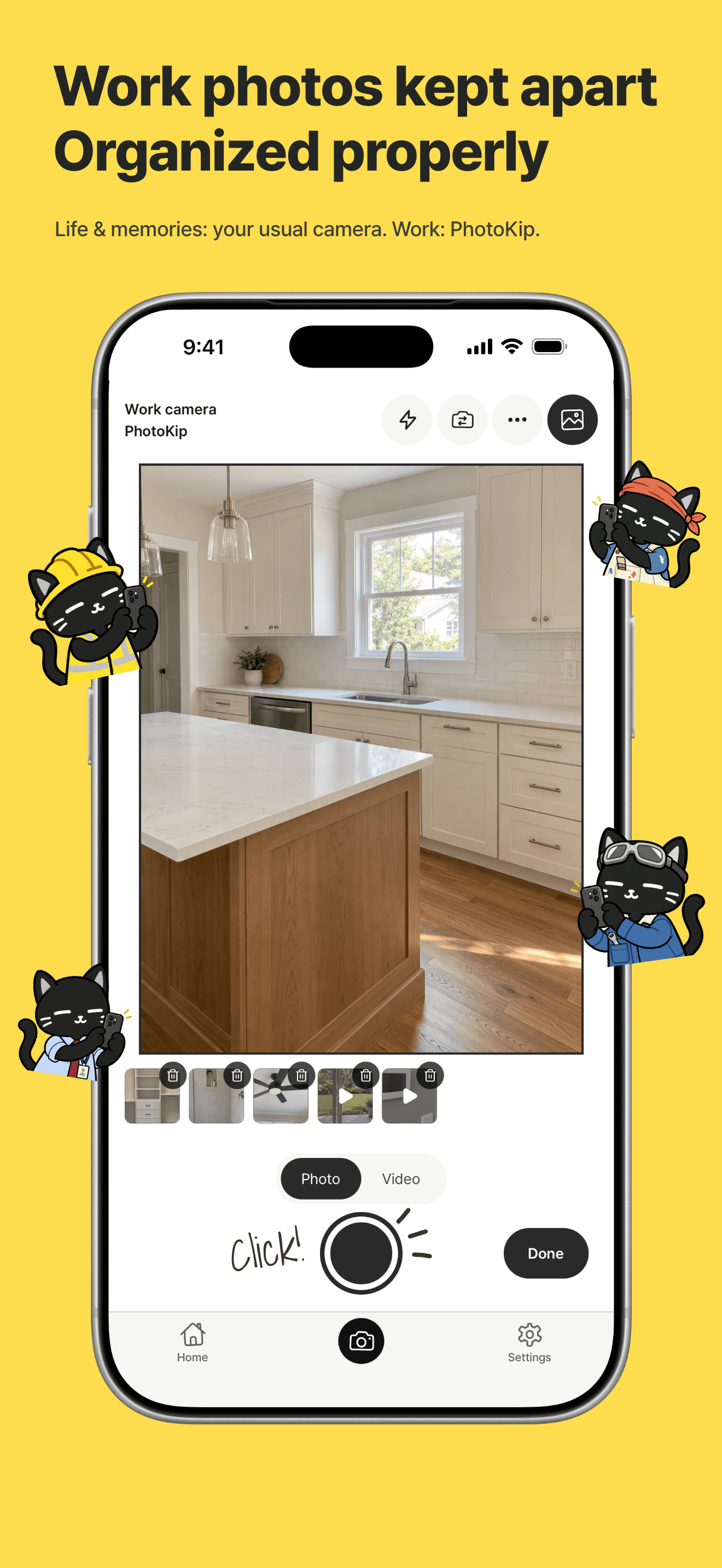
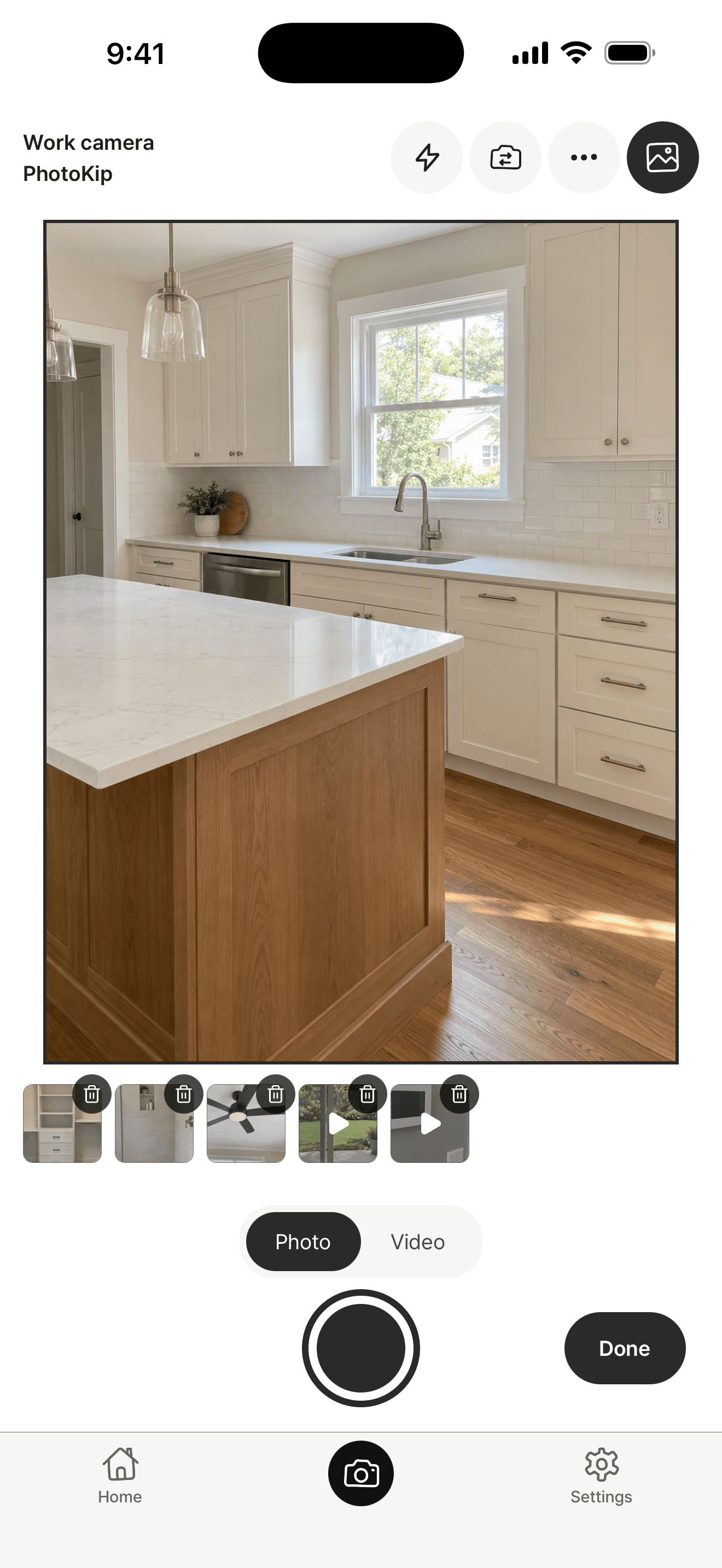
Work photos kept apart Organized properly
Life & memories: your usual camera. Work: PhotoKip.




 Repair technician
 Cleaner
 E-commerce merchandiser
 Real estate agent
 Renovator
 Delivery worker
 Hair stylist
 Pet groomer
 Florist
 Designer
 Construction worker
 Auto mechanic
 Chef
Chef Cafe owner
 Farmer & gardener
 Teacher
 Fitness trainer
 Researcher
 Office worker
 Student
Your default camera for everyday life & memories
Life & memories: your usual camera. Work: PhotoKip.
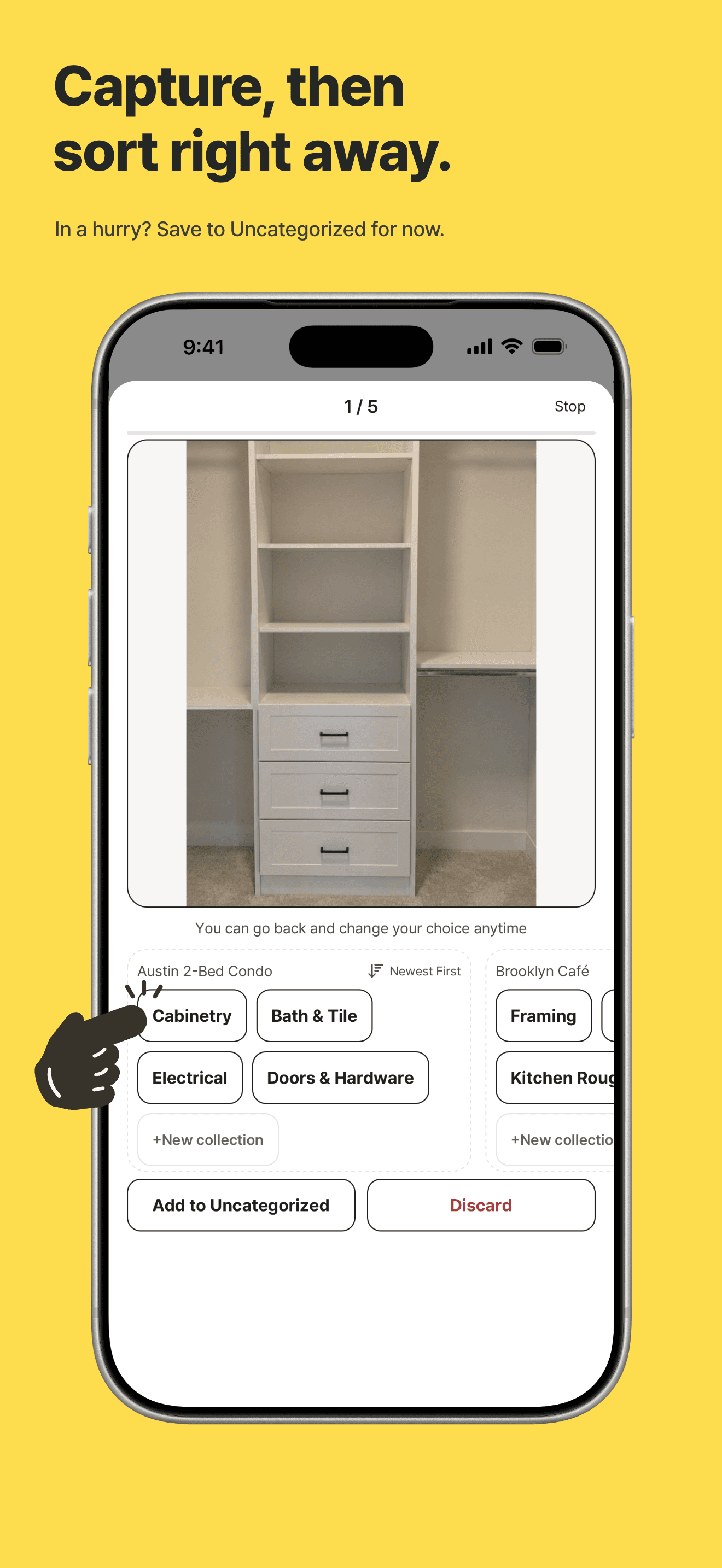
In a hurry? Save to Uncategorized for now.
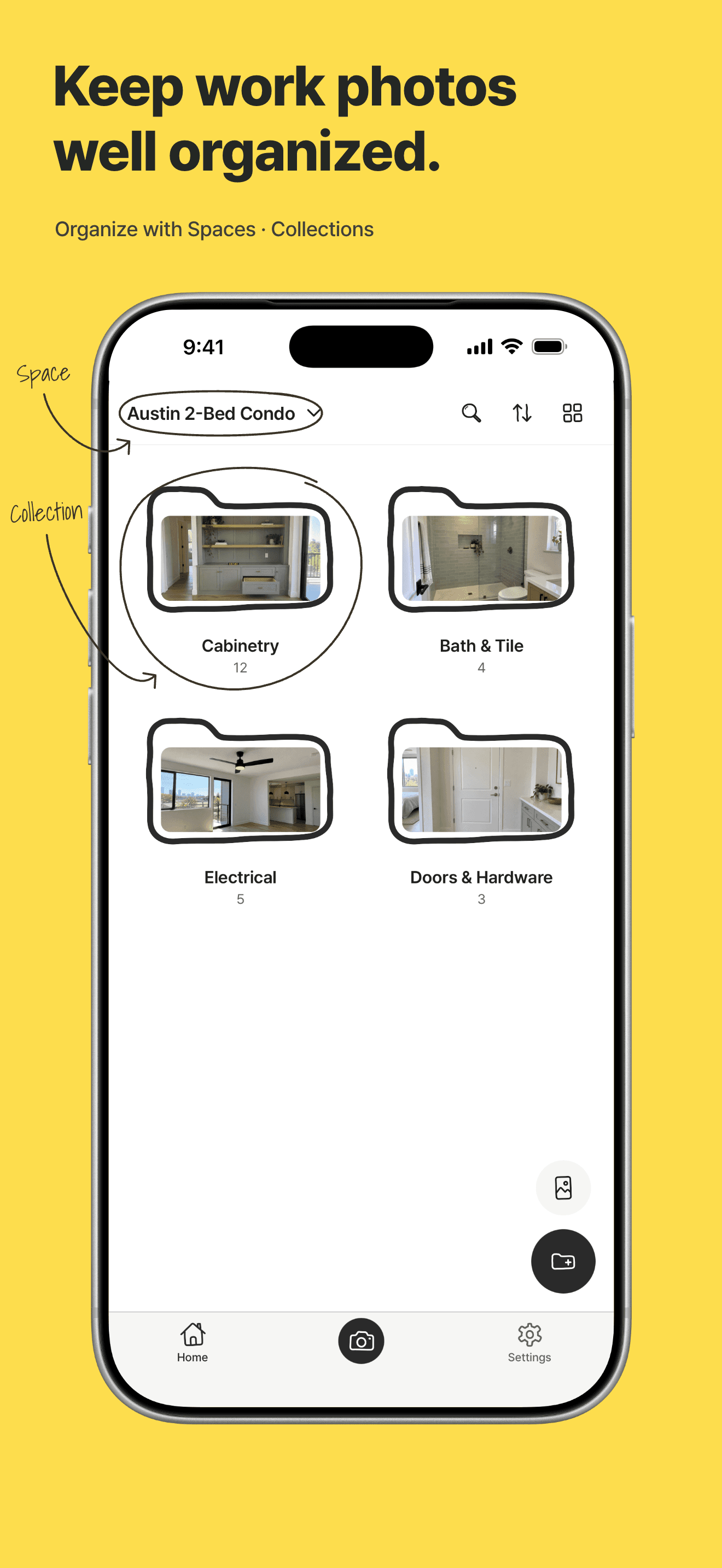
Organize with Spaces · Collections
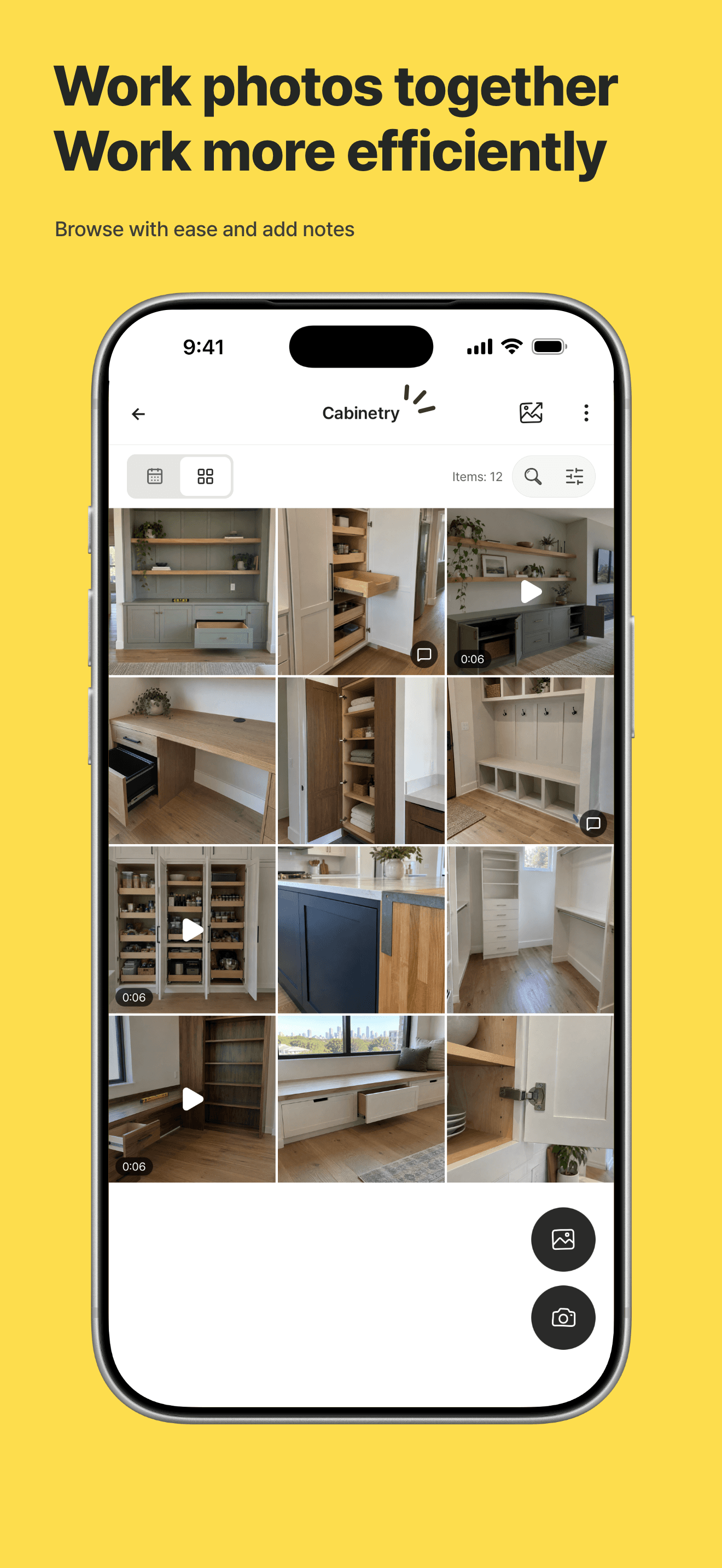
Browse with ease and add notes
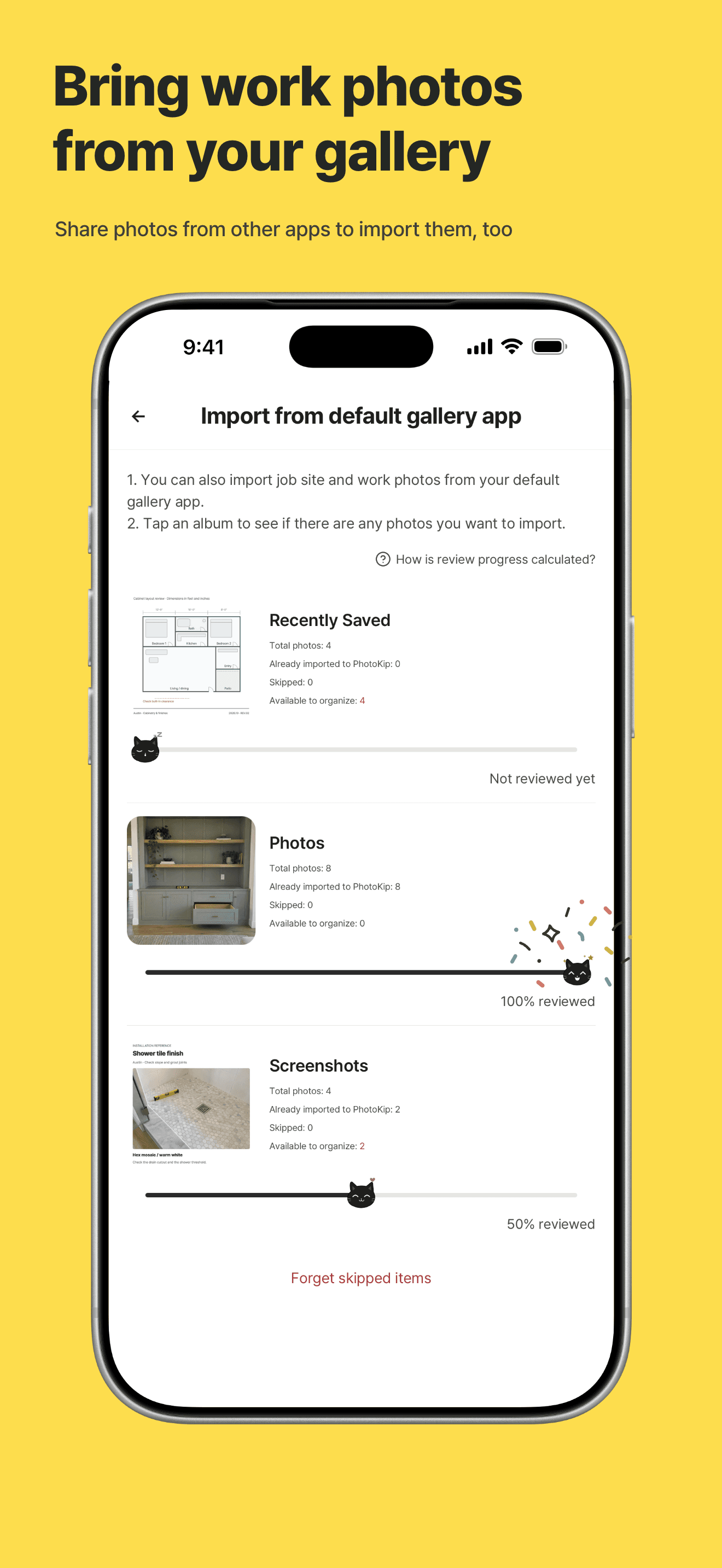
Share photos from other apps to import them, too
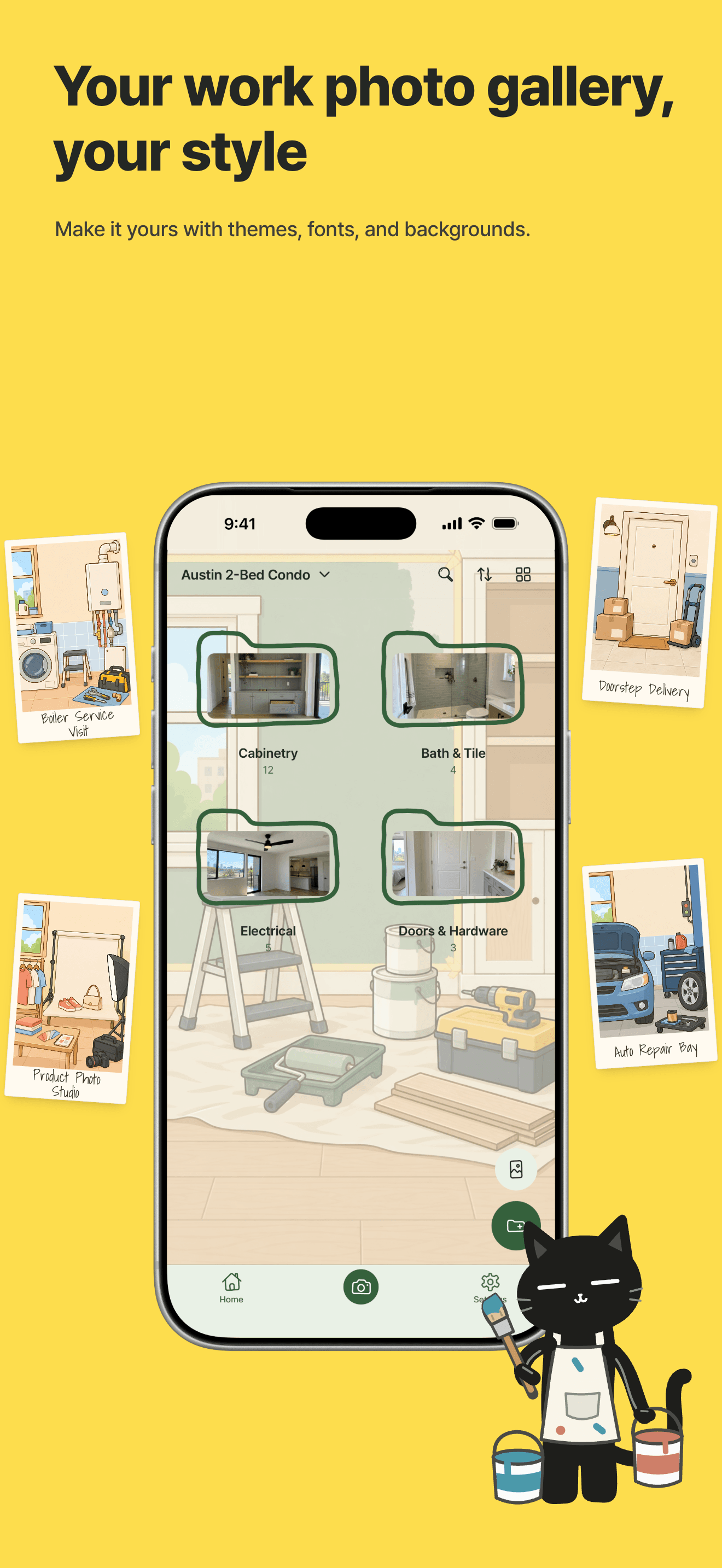
Make it yours with themes, fonts, and backgrounds.

A collection keeps related photos and videos together. Try grouping them by topic, like “Site inspections”, “Meeting notes”, or “Design references”.
A space groups your collections into a bigger category. Keep “Site inspections” and “Meeting notes” collections in a “Project A” space so they’re easy to find.
The Uncategorized section holds photos and videos that don’t have a collection yet. Drop them here when you’re busy and move them to the right collection later.
Yes! Tap the gallery icon at the top right of the camera screen to import photos already saved in your default gallery app.
Yes! If you come across a work-related photo while using another app, tap the share button and select PhotoKip.
You can export the photos you want to your default gallery app, or export an entire collection as an album. Once exported, you can use them as usual. You can also select multiple photos you want to send from a collection and share them directly to a messaging app.
All images in PhotoKip are stored only on your smartphone. This keeps them secure and lets you use the app comfortably even without an internet connection. But please remember: deleting the app will also delete all your images!

Kippy, your helpful cat companion, is waiting for you.