
Work photos mixed with personal memories
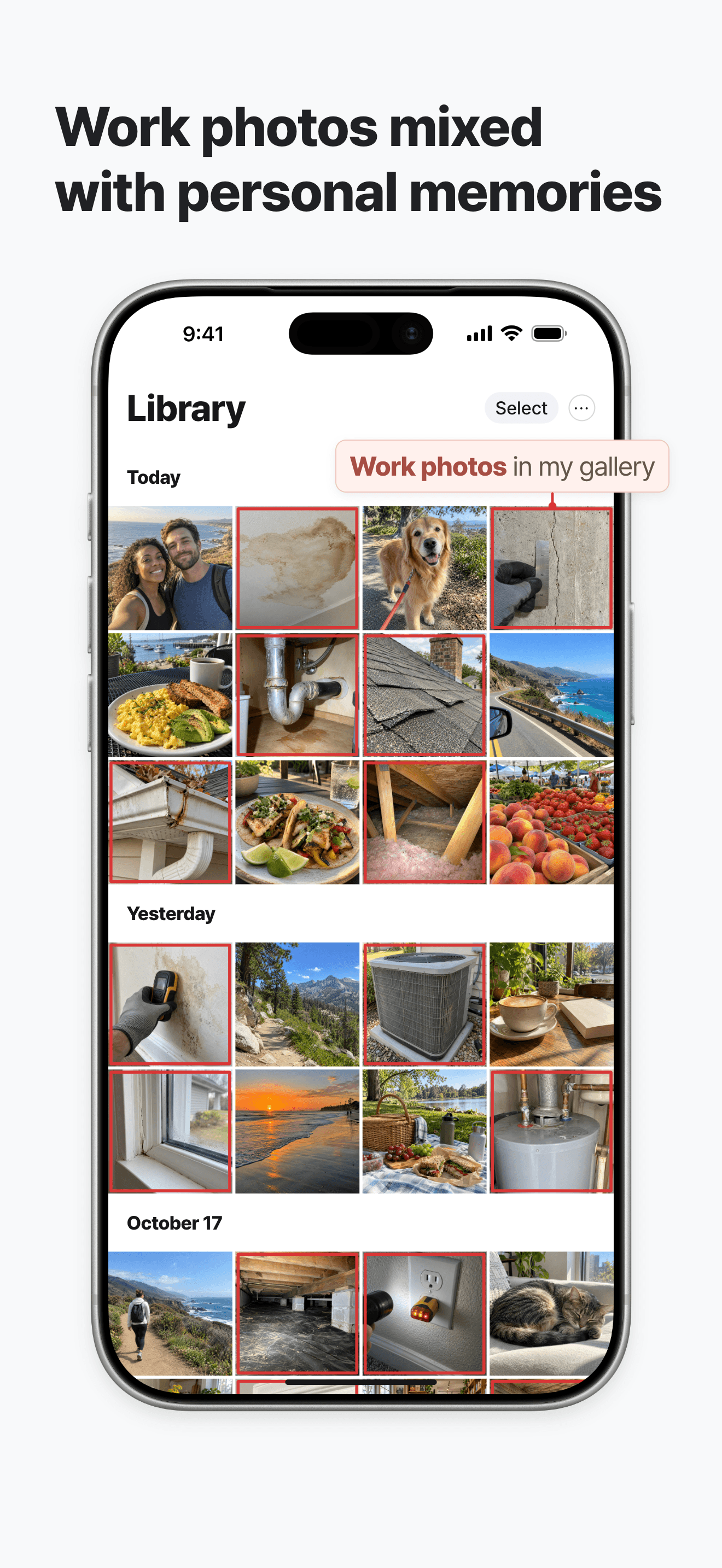


Keep work photos out of your personal gallery.
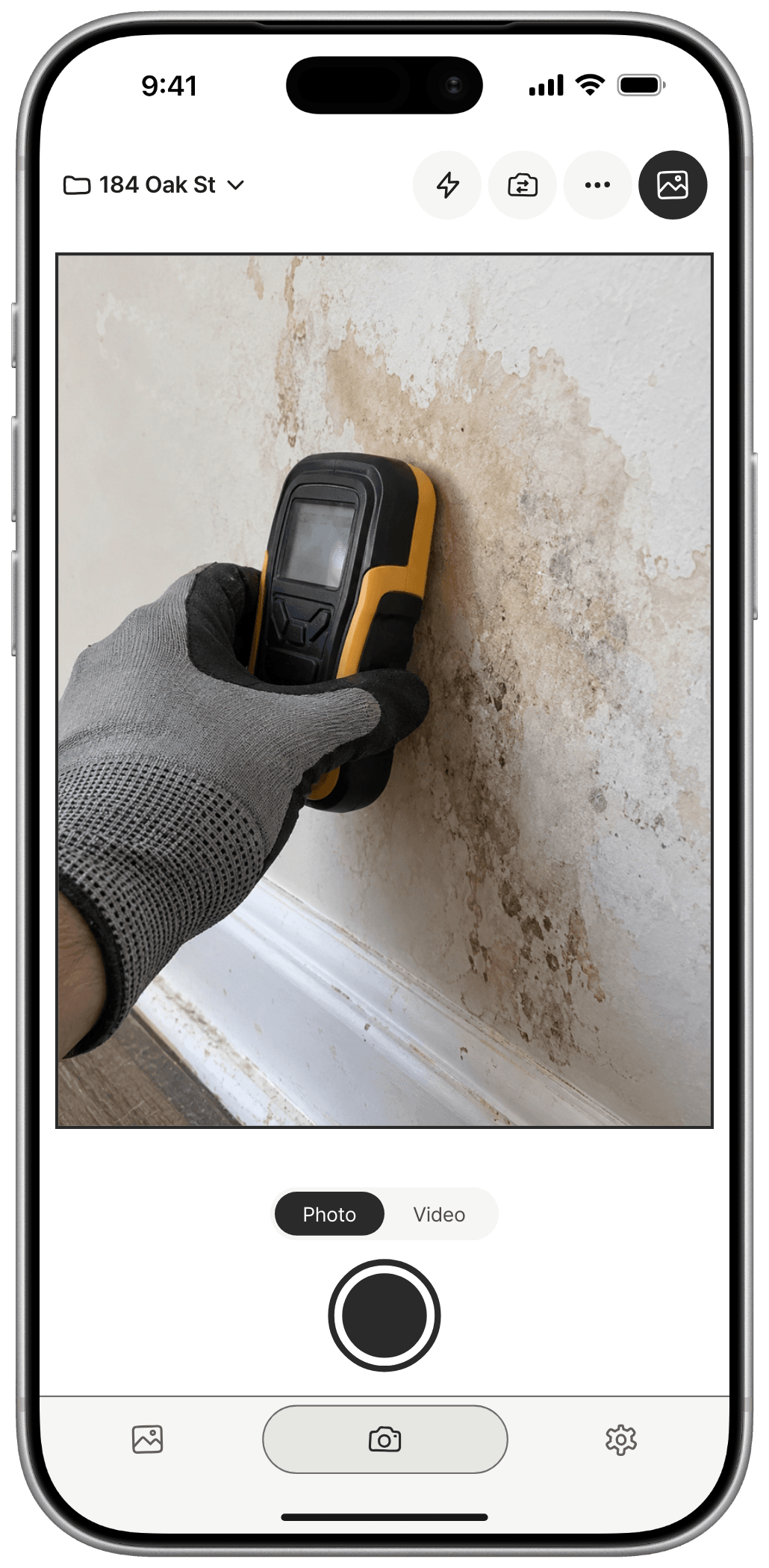
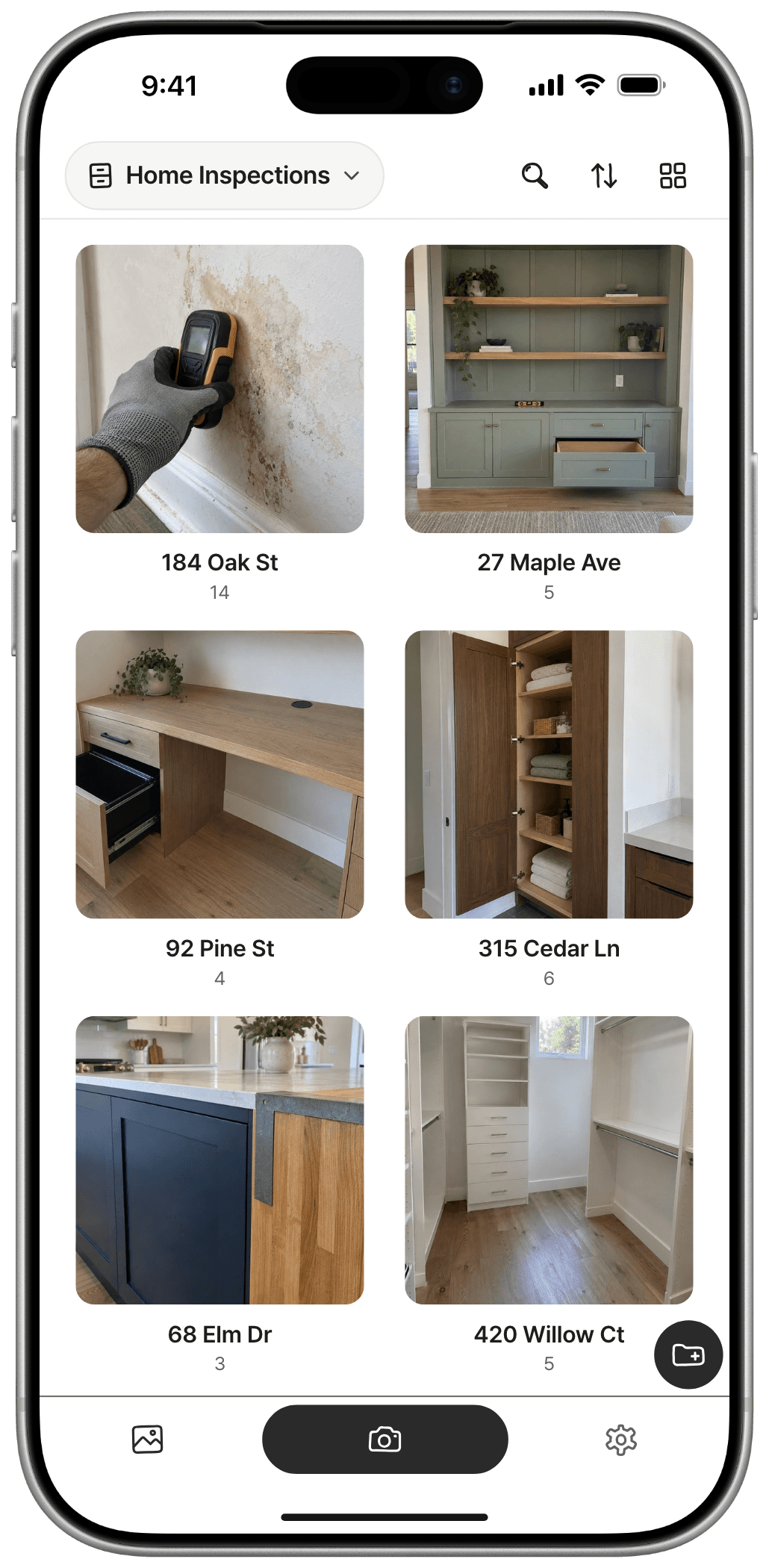
 Repair technician
 Cleaner
 E-commerce merchandiser
 Real estate agent
 Renovator
 Delivery worker
 Hair stylist
 Pet groomer
 Florist
 Designer
 Construction worker
 Auto mechanic
 Chef
 Cafe owner
 Farmer & gardener
 Teacher
 Fitness trainer
 Researcher
 Office worker
 Student
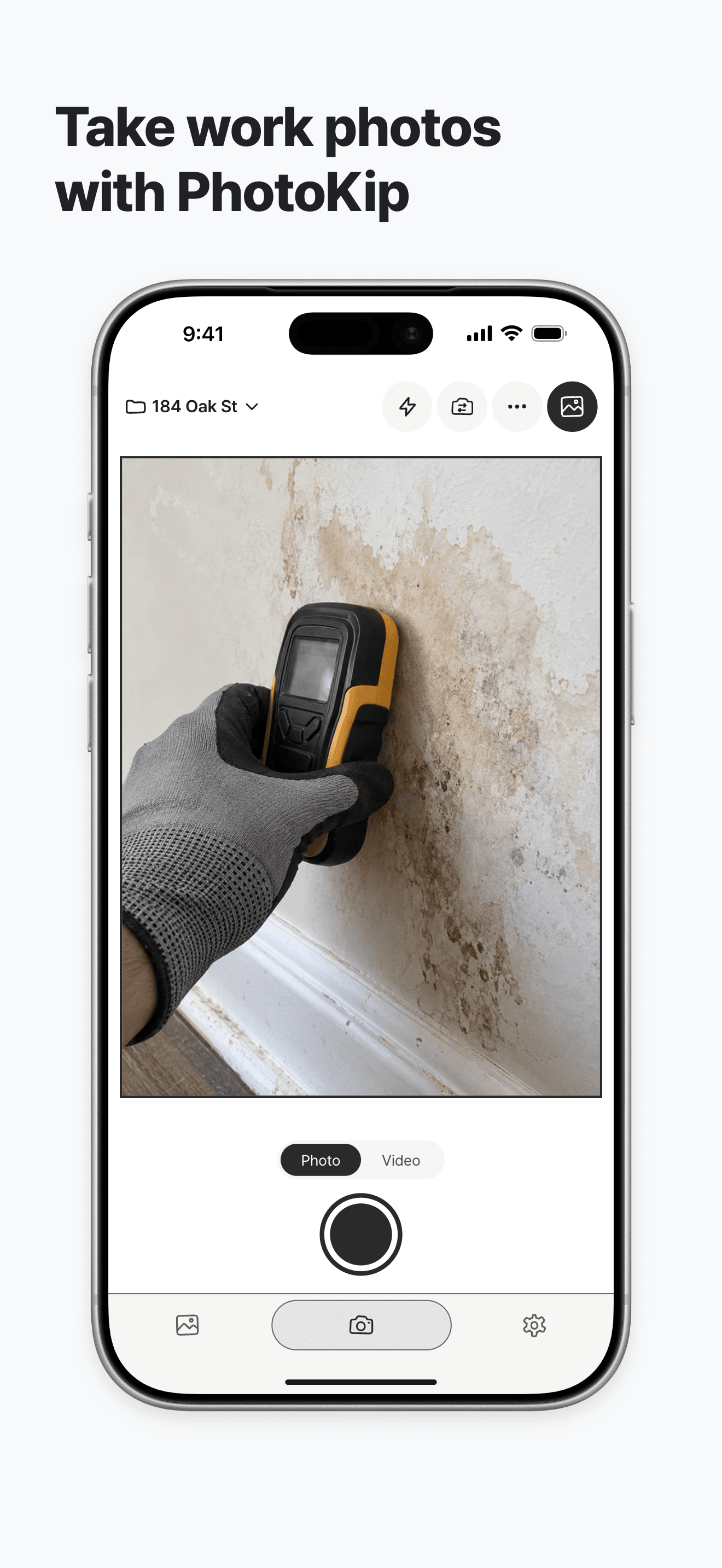
Your default camera for everyday life & memories
User reviews
My everyday and work photos were constantly getting mixed up, and it was so stressful. This one app has seriously improved my quality of life. It keeps everyday life and work completely separate, so looking through my albums after work no longer feels overwhelming. It’s the best.. For someone who was always bothered by work photos in their phone albums, it’s truly an oasis in the desert..!
I didn’t want work photos mixed in with or left on my phone, so I used to take them, send them, and delete them every time. It’s great that I can manage them separately from the start.
I’ve been using this so much to organize my photos!! You can create albums by category and even take photos right inside the app. I can delete them from the default Photos app and keep just the ones I need here, so my albums are much tidier now. I recommend it to anyone struggling to organize their photos!
I kept saving useful information without organizing it properly, so I was always searching for things. With this app, I can sort everything by category and find it easily. Love it
My gallery was a jumble of personal photos and pictures of all kinds of useful information. I didn’t even want to look at it, and finding anything again was so hard. This app showed me the light😭😘
Working in interior design, my site photos kept getting mixed into my personal gallery, and finding them later was a real pain. This app completely solved that!! I create a collection for each site and keep before-and-after photos organized separately, so I can pull them up for clients right away. So convenient~~

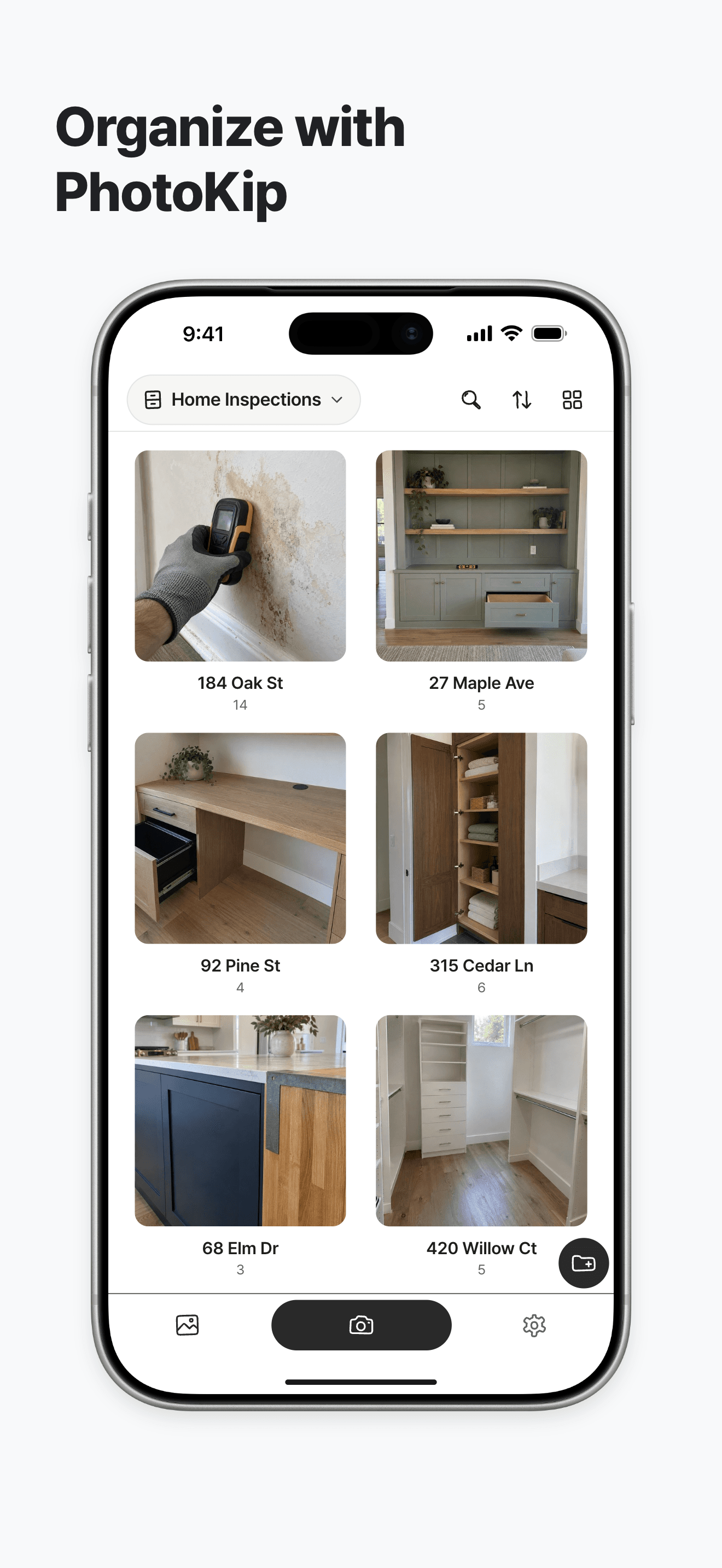
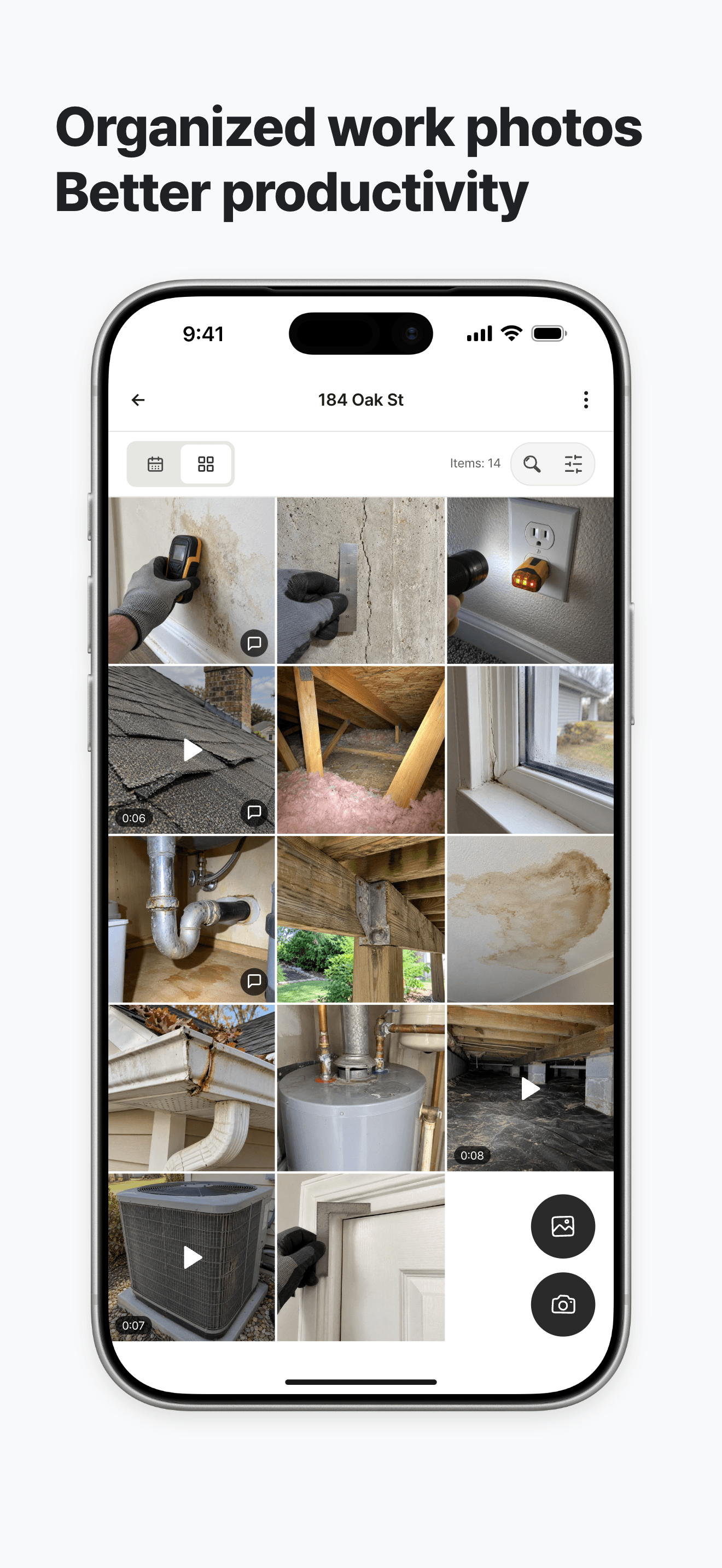
A collection keeps related photos and videos together. Try grouping them by topic, like “Site inspections”, “Meeting notes”, or “Design references”.
A space groups your collections into a bigger category. Keep “Site inspections” and “Meeting notes” collections in a “Project A” space so they’re easy to find.
The Uncategorized section holds photos and videos that don’t have a collection yet. Drop them here when you’re busy and move them to the right collection later.
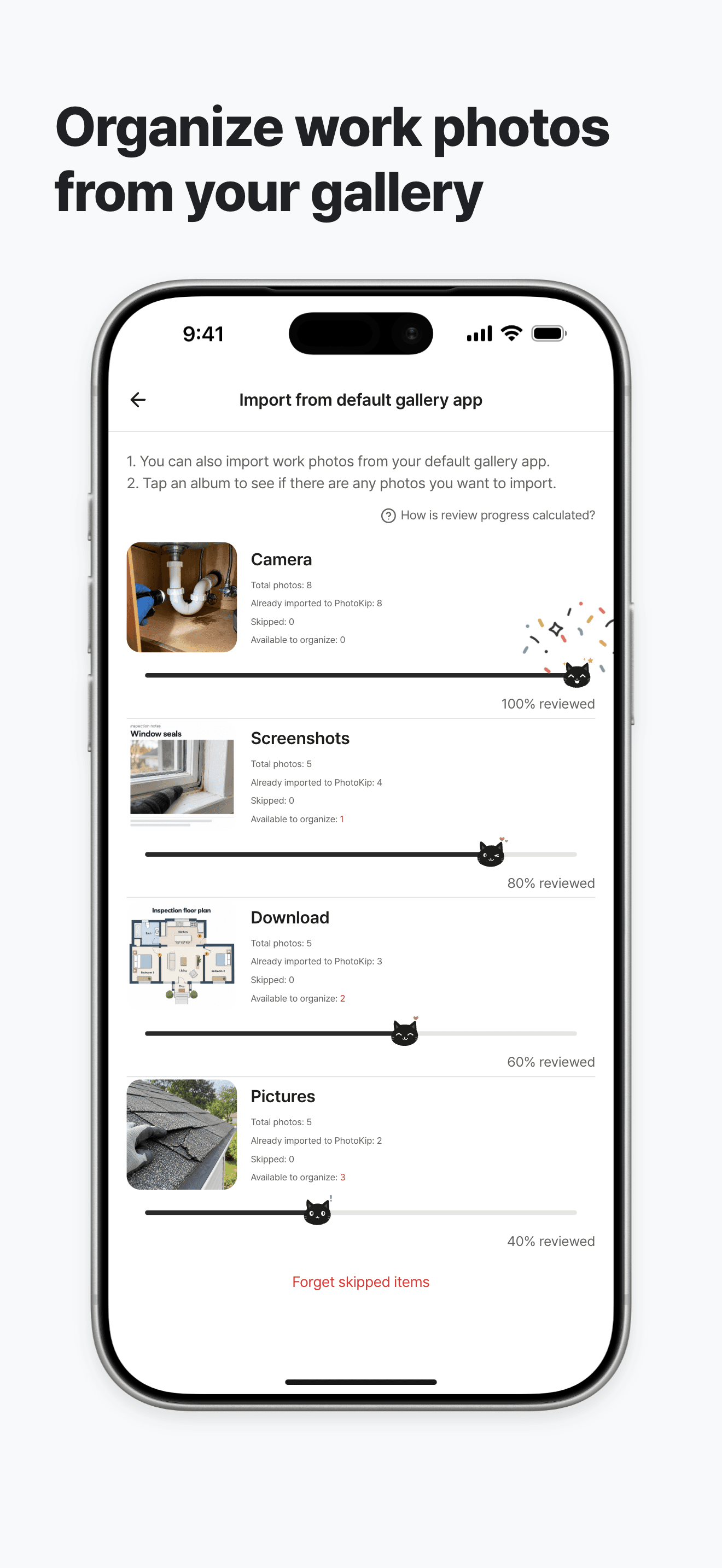
Yes! Tap the gallery icon at the top right of the camera screen to import photos already saved in your default gallery app.
Yes! If you come across a work-related photo while using another app, tap the share button and select PhotoKip.
You can export the photos you want to your default gallery app, or export an entire collection as an album. Once exported, you can use them as usual. You can also select multiple photos you want to send from a collection and share them directly to a messaging app.
Images in PhotoKip are stored on your smartphone and aren't sent to our servers, so you can use the app comfortably even without an internet connection. On iOS, when iCloud Sync is turned on and its requirements are met, they're also saved to your private iCloud. But please remember: images that are only on this device or haven't synced yet will be deleted along with the app!
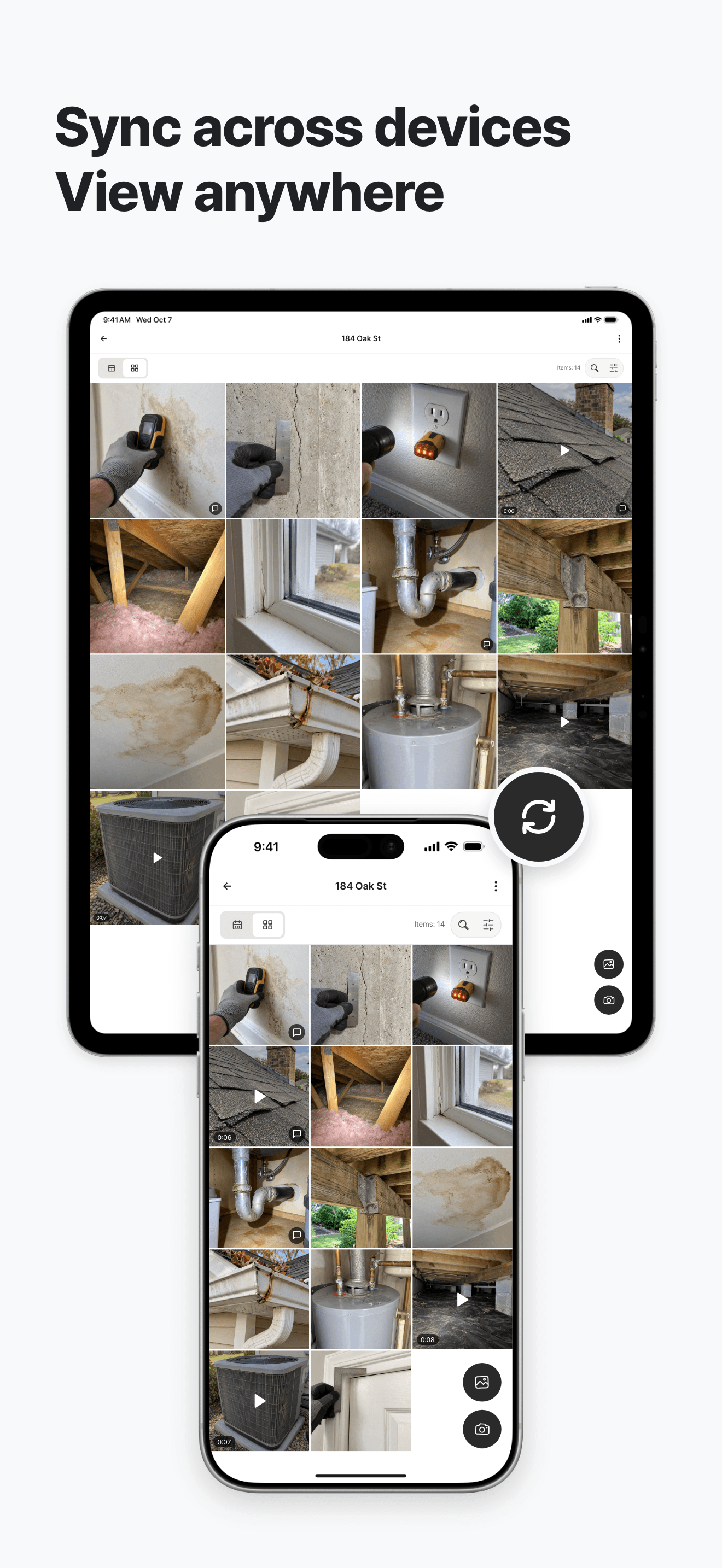
On iOS 17 or later, enable iCloud Sync in Settings to sync with iPhone, iPad and Apple Silicon Mac using the same iCloud account. Uploading new content and edits requires Premium; receiving existing content and deleting it remain available without Premium. Originals transfer over Wi-Fi by default. Sync is not a separate backup: deletions sync too.

Kippy, your helpful cat companion, is waiting for you.